Plugins
Plugins are extensions to Nitrolaunch that add new functionality. They can add new subcommands, support extra modloaders, and more. They allow Nitrolaunch to be modular and only include the features you need, keeping it less bloated and making it easier to maintain.
Warning
Plugins work as arbitrary programs that run on your system. Malicious plugins can gain unauthorized access to your computer, steal personal information or account details, or damage files. Protect yourself by only downloading verified plugins from the plugin install command, and never interact with files from someone you don't trust.
Installing
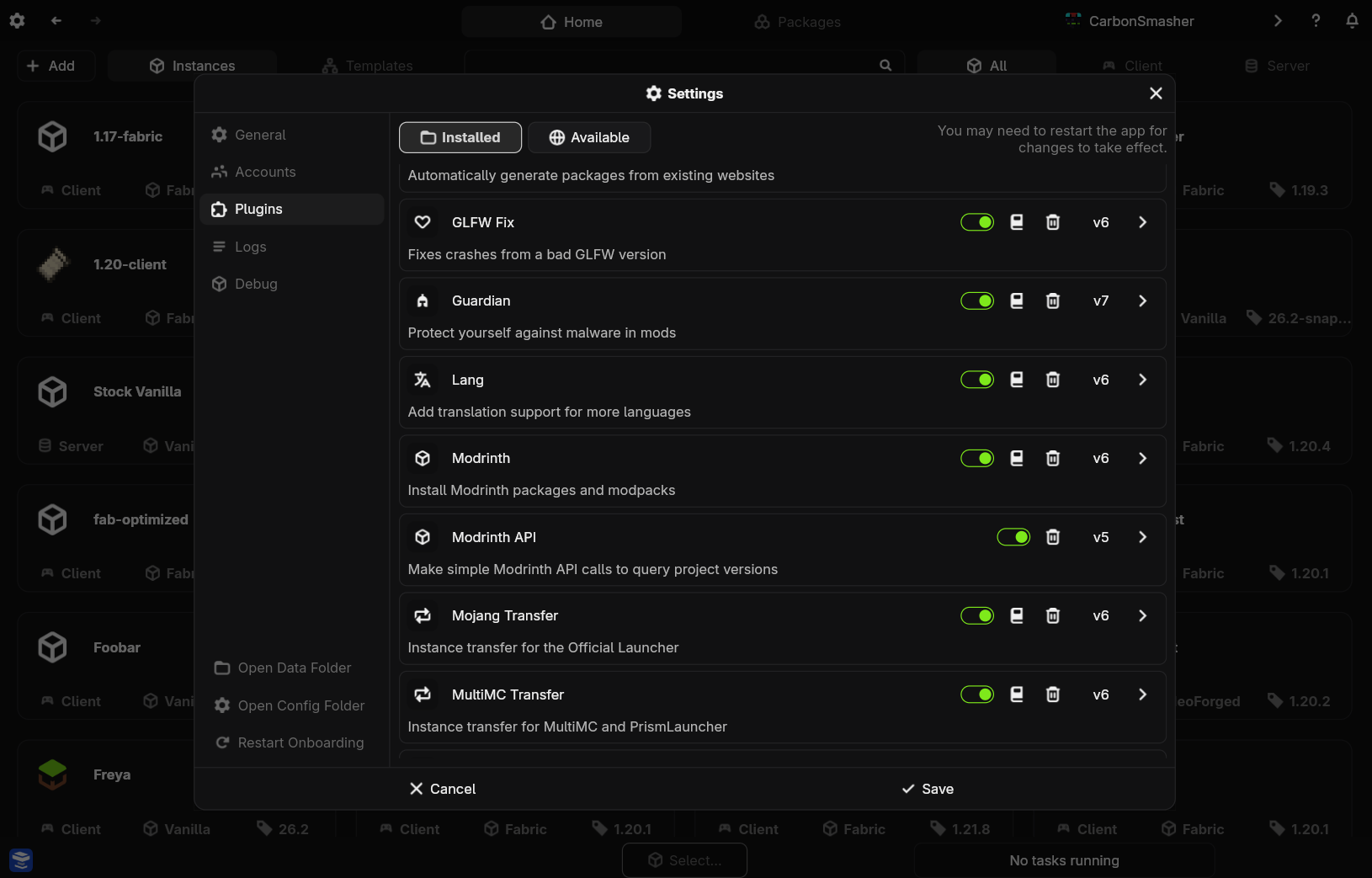
Go to the settings in the top right and navigate to the plugins tab. Click Available to see plugins you can install, and install the ones you want.
Use the nitro plugin browse command to see a list of available plugins. Then, you can run nitro plugin install <plugin> to install the plugin you want.
Updating
Click the three dots next to a plugin in the plugin settings and then click update.
Use the nitro plugin update <plugin> command to update a specific plugin. You can also omit the plugin to update all plugins.
Enabling and Disabling
Plugins can be easily disabled after they are installed, which lets you turn off their functionality without fully uninstalling them.
Navigate to the plugin settings, and toggle the switch to change whether the plugin is enabled or disabled.
Use the nitro plugin enable <plugin> and nitro plugin disable <plugin> commands.
Uninstalling
Click on the three dots next to the locally installed plugin and click uninstall.
Use the nitro plugin uninstall <plugin> command.
Configuring
Plugins can be configured to change their behavior. Most of their configuration is specific to the plugin, and you will have to check with their documentation to see how it is formatted.
Not implemented yet.
Run nitro config edit-plugins and add an entry under the config field in your plugins config like so:
{
	"plugins": [
		"plugin_name"
	],
	"config": {
		"plugin_name": {
			...
		}
	}
}
Manual Installation
If you have plugin files you are sure you can trust, first locate the plugins directory under your Nitrolaunch data directory. If the plugin is one file with the .json extension, you can simply move it to that folder. If it is a .zip file, extract the file into the plugins directory, ensuring that there is a directory named after the plugin and it has a file named plugin.json directly inside, and not under any subfolders after that.