Updating Instances
Updating an instance will upgrade all of its versions, packages, and files. It should be done whenever you want to use newer versions, when you change an instance's configuration, or when you want to use new plugins that affect the instance.
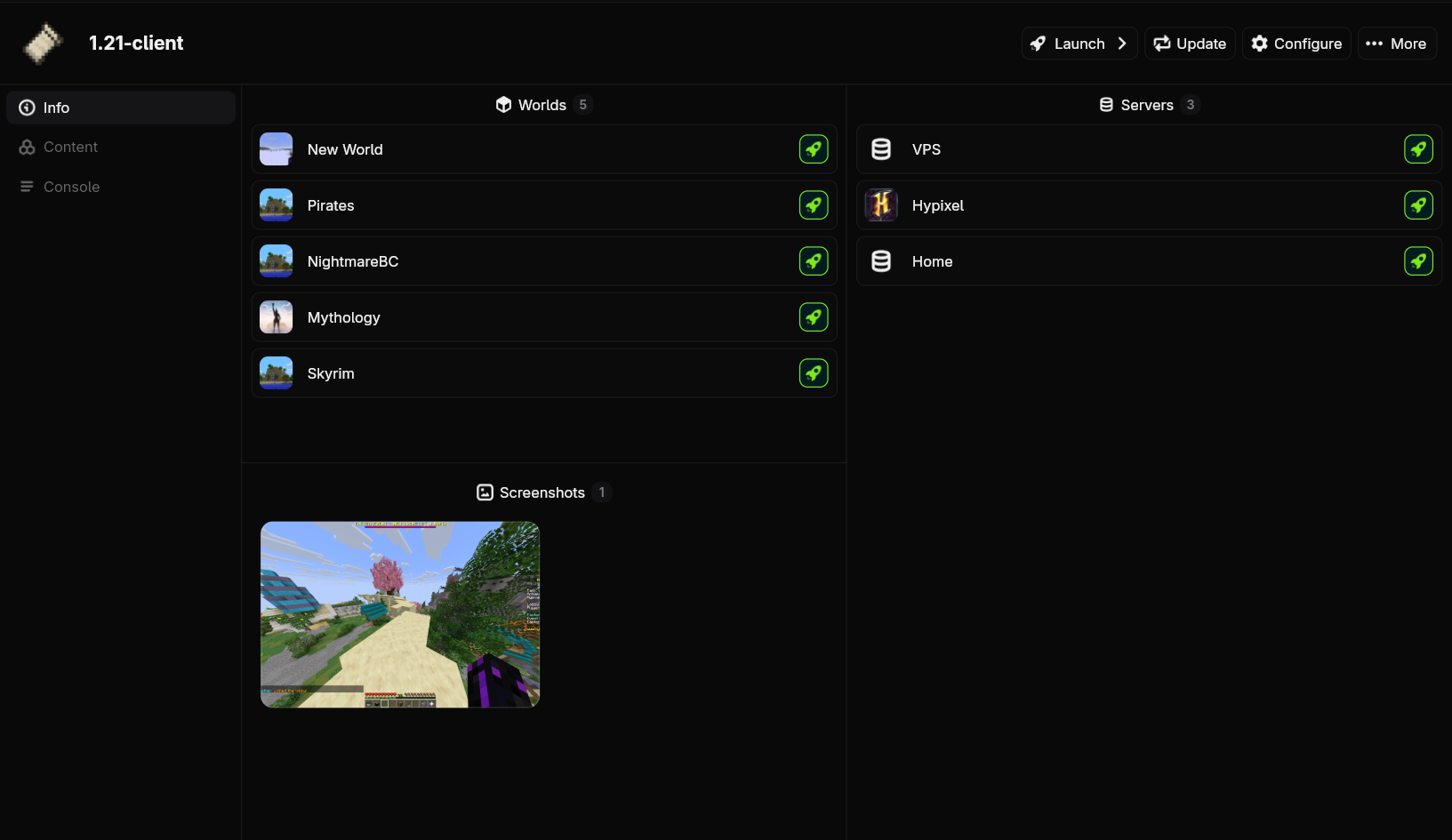
Go to the instance's page by double clicking it on the homepage or selecting it and clicking more options at the bottom. Then click the Update button in the top right.
Run nitro instance update <instance> to start the update.
Forced Updates
Sometimes, files might get corrupted if there is a Nitrolaunch bug or you cancel an operation in the middle. To try and fix this, you can run a forced update, which will redownload all files for an instance (not including saves or instance data of course).
Not implemented yet.
Run nitro instance update --force <instance>