Modpacks
Modpacks in Nitrolaunch are implemented special packages you can add to instances and templates. If you haven't already read the packages guide, you should do that first.
Supported modpack formats are added with plugins. For example, the Modrinth and CurseForge plugins add support for the modpacks they provide.
Finding Modpacks
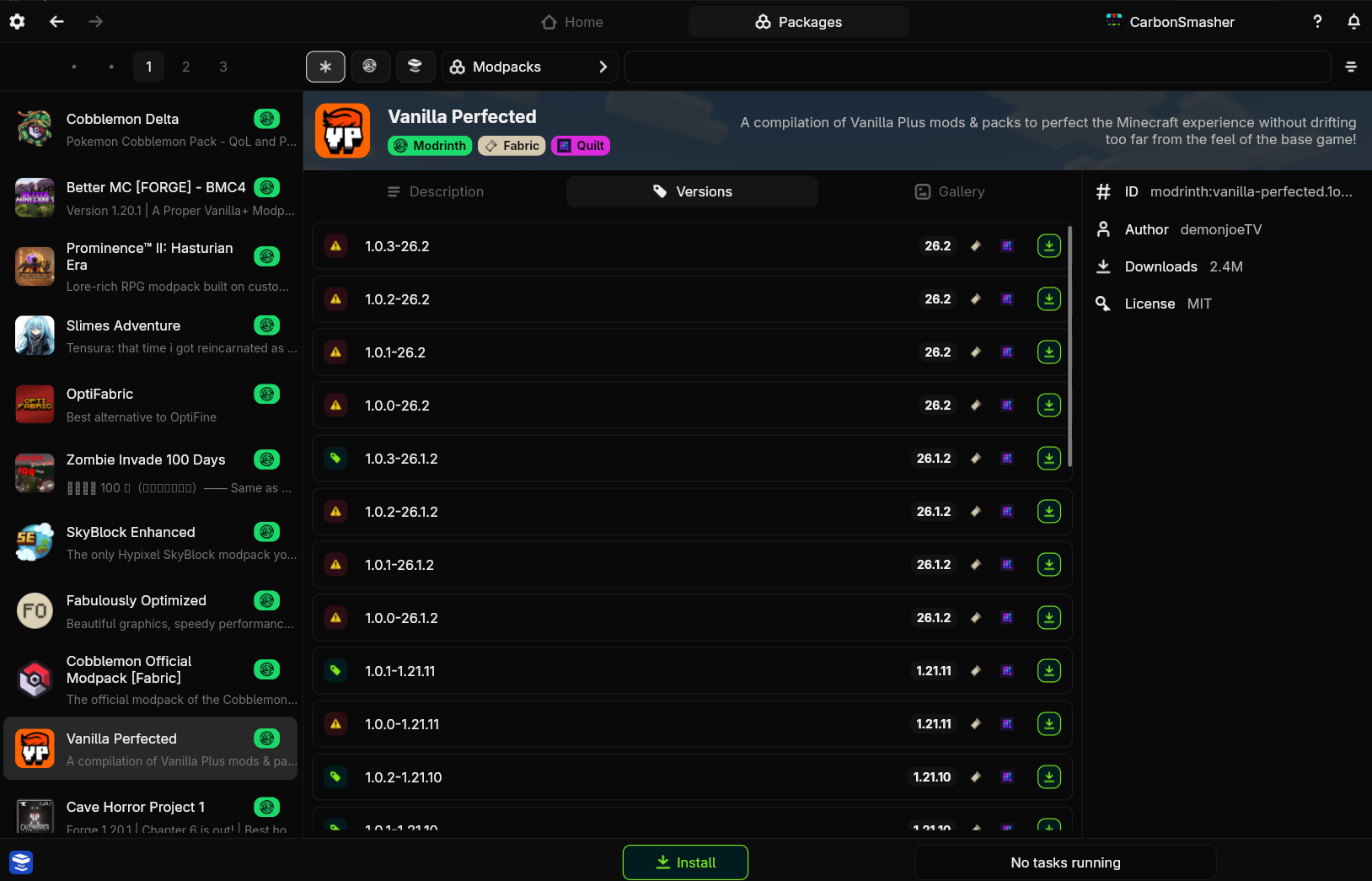
Modpacks are simply another package type you can search in the package browser.
Installing
There are two ways that modpacks can be installed.
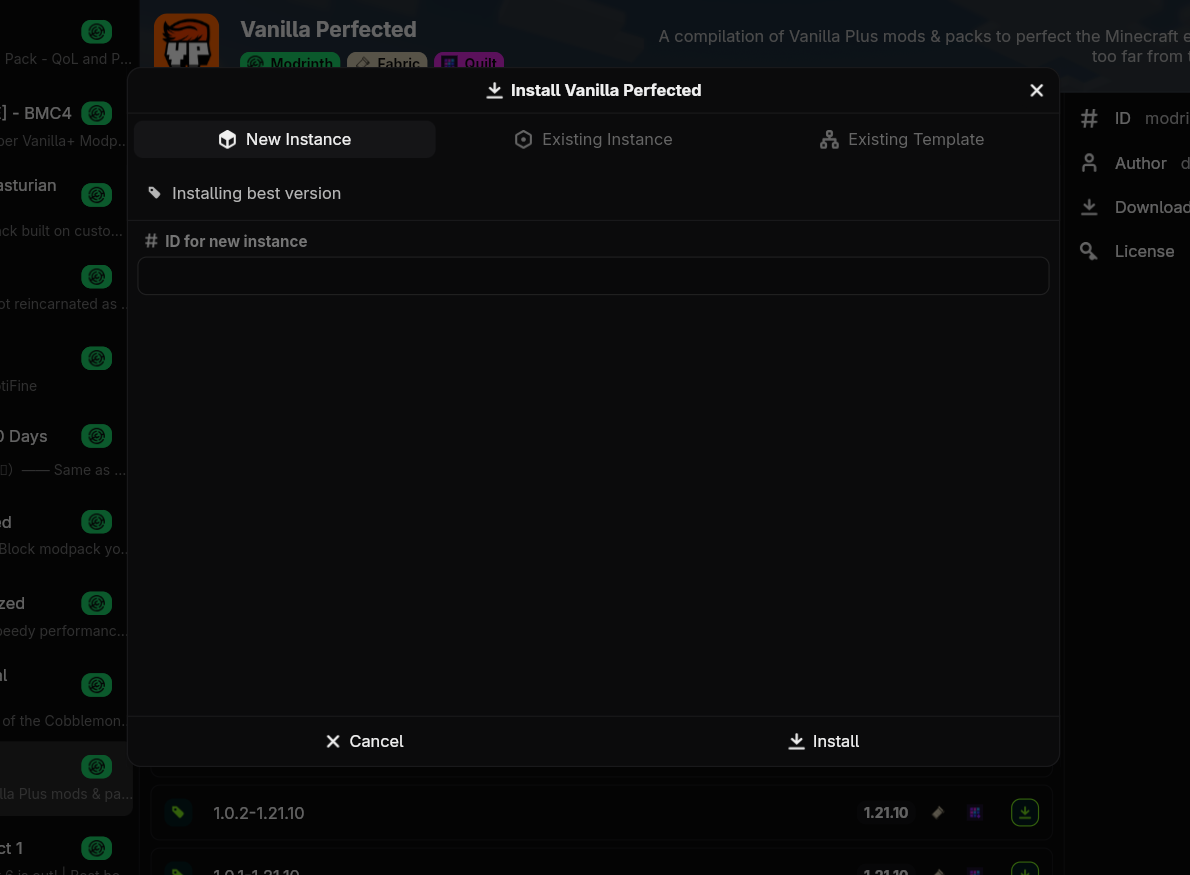
- The way you are probably used to, on a new instance
- On an existing instance or template
Find the modpack and click install at the bottom of the screen to install the latest version. If you want to install the modpack for a different Minecraft version, you must click the install button on one of the versions in the versions tab. Then follow the prompts to install.
Find the modpack you want in the package browser and press i to install the latest version. If you want to install the modpack for a different Minecraft version, you must press i on one of the versions in the versions tab. Then follow the prompts to install.
Note
When adding to an existing instance that you have already played, the modpack will be unable to overwrite any files you already have, so it can result in game options and mod configs not being updated. It is usually better to install on a new instance.
Updating
Unlike other parts of an instance, the modpack will NOT be updated when doing a normal instance update, unless the modpack has never been installed.
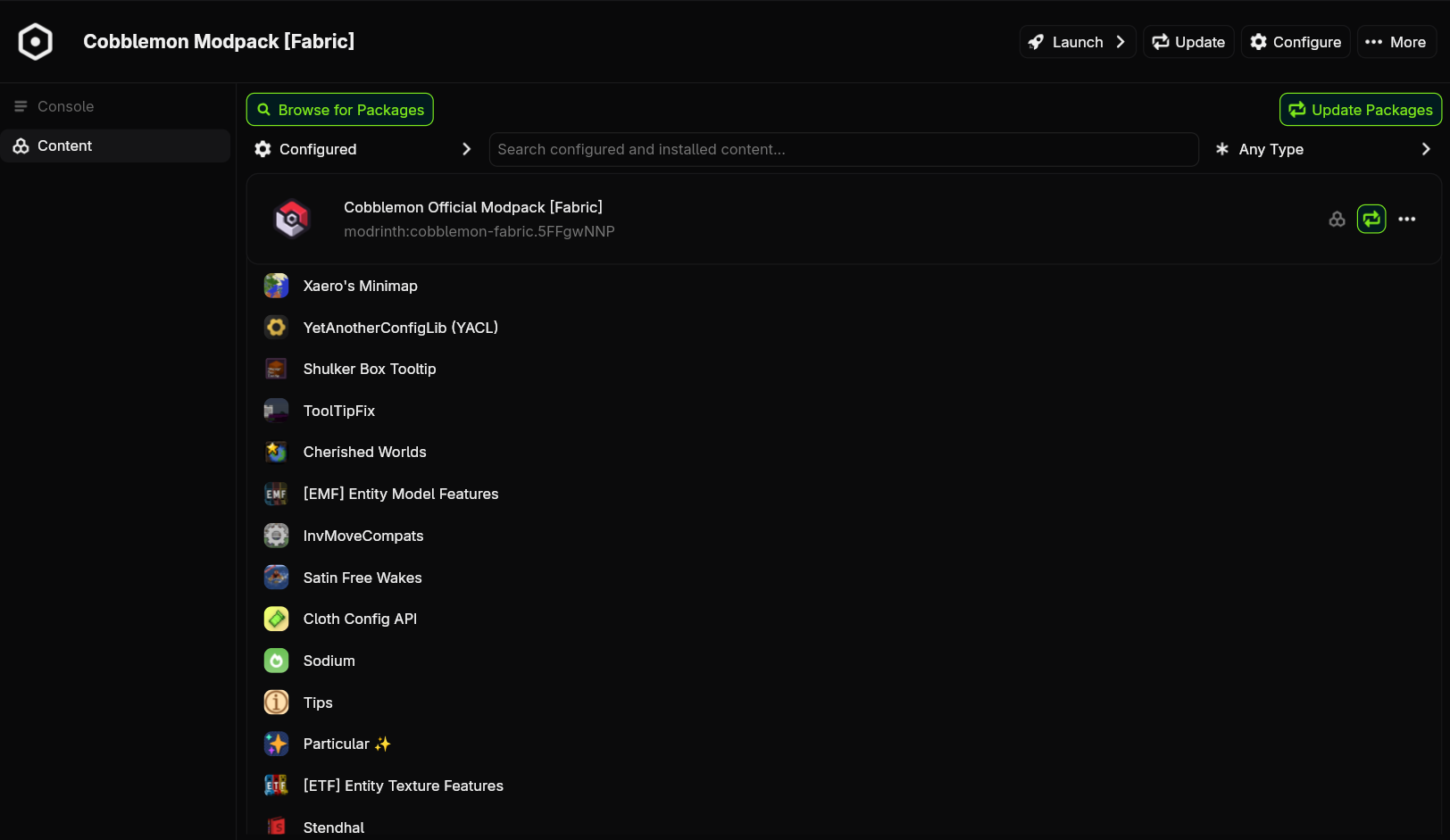
Navigate to the instance's content config on its page. Locate the modpack at the top and click the cycle button to update it. This may take some time.
Run nitro instance update --modpack <instance>. This may take some time.
Adding Packages
Unlike other launchers, Nitrolaunch lets you add your own packages on top of a modpack. The installed modpack will automatically suppress packages that it adds, meaning your packages won't duplicate any dependencies. Package conflicts will not be checked, however.
Simply install the packages like you would normally.
Note
Updating an instance's packages will not update the modpack, but updating the modpack will update the packages.
Sharing a Modpack
Modpacks are just a part of your configuration, and they can be shared with instance templates.
Installing From a File
Any modpack formats that are installed also add an instance transfer format that lets you import a modpack from a file. Keep in mind that the modpack will be imported as-is, and cannot be updated. See Importing and Exporting