Quick Play
Quick play is a feature that lets you instantly launch into a world, server, or realm when Minecraft starts.
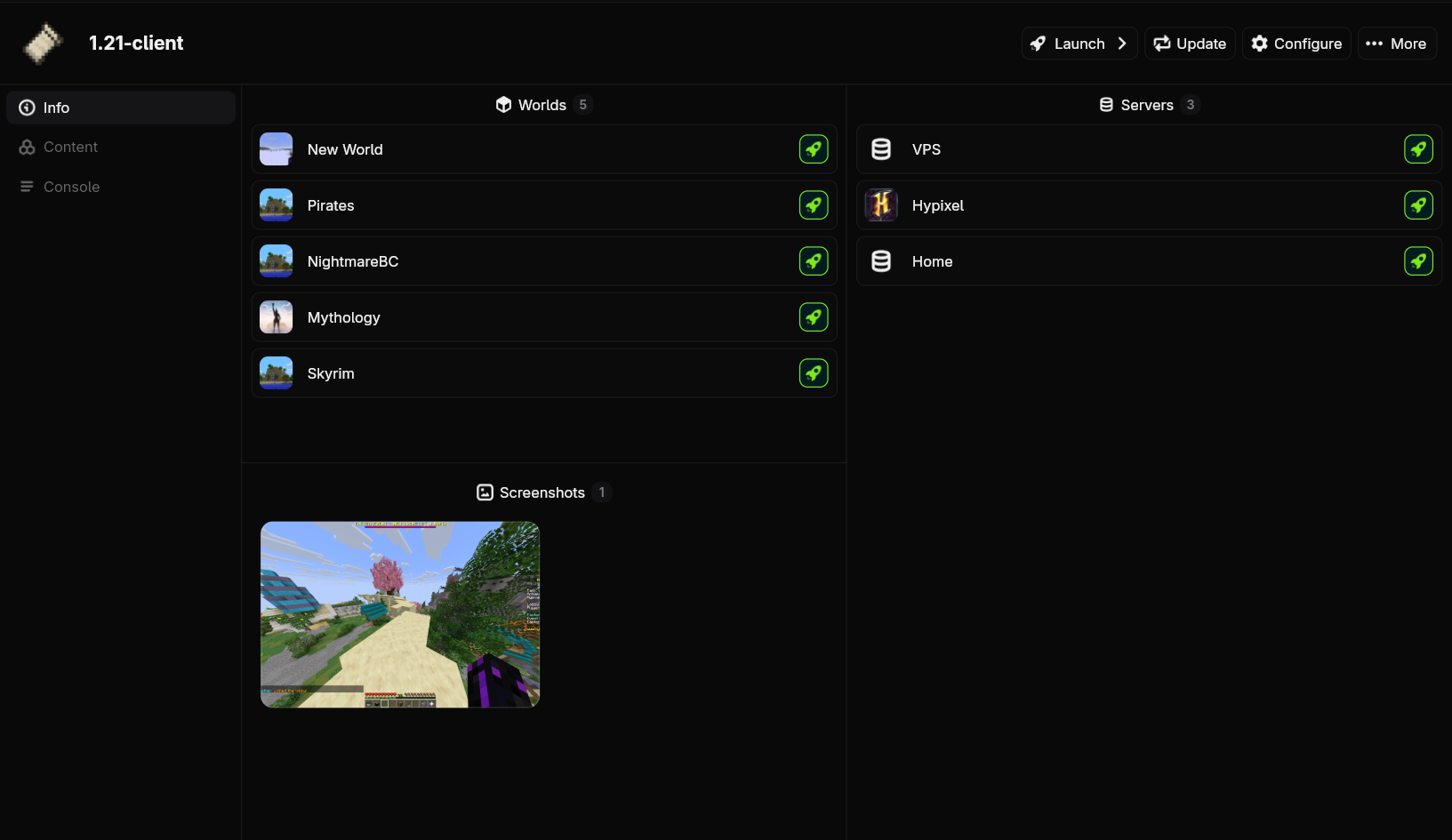
Launching Worlds
Go to the instance page and click on one of the launch buttons next to the world you want to play.
Add the -q world:<world_name> flag to the launch command.
Launching Servers
Go to the instance page and click on one of the launch buttons next to the server you want to play. If the server you want isn't there, you must first add it to your server list in-game.
Add the -q server:<server_address> flag to the launch command.
Launching Realms
Not currently supported.
Add the -q realm:<realm_name> flag to the launch command.
Configuring Quick Play
Have an instance that you always want to launch into a world, server, or realm? You can also configure quick play on an instance to make it launch into that target every time.
Not currently supported.
Use the quick_play field under launch config. See the configuration reference for more information.